
Printing Club & Los Robles Tech
At Los Robles we champion technology and are constantly innovating so our students get to know the latest techniques.
3D Printing & Design Club
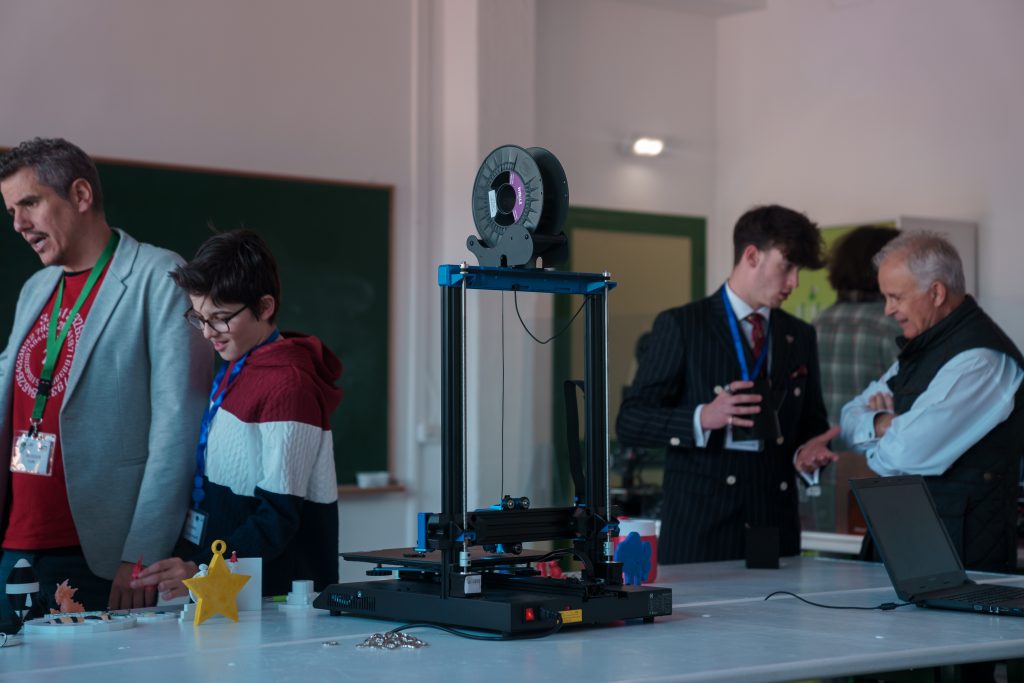
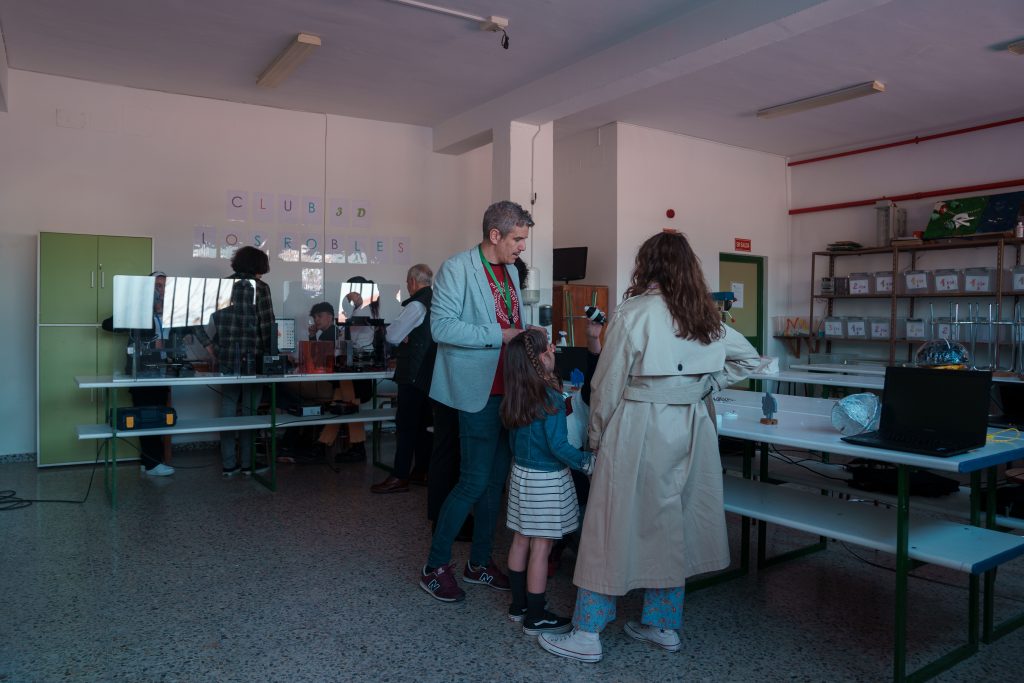
Learn to use the leading software for running 3D printers, such as CURA, CHITUBOX and PRUSA SLICER, and discover how to adjust and optimise print settings with the Technology Club's printers. You'll also get a taste of professional design using Blender, a powerful 3D creation tool.
Blender: your 3D creation tool
- — Modelling: Turn your ideas into detailed three-dimensional models. Design characters, objects, tools or anything else you can imagine.
- — Editing: Adjust and customise your creations until you get the result you want.
- — Rigging: Add a skeleton to your models to change their poses and bring them to life with movement.
What can you create with Blender and 3D printing?
Custom figures
Create your own unique characters and figures.
Decorative objects
Design and make items for your home, such as vases or sculptures.
Functional prototypes
Develop mechanical parts or tools to test how they work before manufacturing them.
Toys and games
Create your own toys or board game pieces.
Models and replicas
Design scale models of buildings, monuments or objects of interest.
Classes are adapted to each student's level, guaranteeing a personalised learning experience that's accessible to everyone. The possibilities are endless — all you need is your creativity and a 3D printer!
Los Robles Tech
In a world increasingly shaped by technology, we firmly believe in the importance of introducing students to this field in a fun and educational way. Our goal is to give them the tools and resources to explore and develop their technological skills.
workstations
(12 desktops + 10 laptops)
3D printers
Edison robots
+ ingenuity games library
Club schedule
- Monday to Thursday: 2:00pm – 3:00pm
- Wednesday: 5:00pm – 6:30pm
- October to May
Person in charge
- Daniel González — maths teacher
Club members will be able to
- Use the club's technological resources to develop projects or enjoy the ingenuity games available during opening hours.
- Book a weekly hour at an exclusive workstation to work on their projects, resolve doubts and move their work forward.
- Receive basic training in Tinkercad for 3D design.
- Make and print up to four projects over the course of the school year, such as custom keyrings, lithophanes or bespoke pieces.
Internet access is controlled and limited to programs authorised by teaching staff. This initiative aims to foster learning and creativity, giving students a space to experiment and grow in the field of technology.